 mWater
245d ago
mWater
245d ago
▶
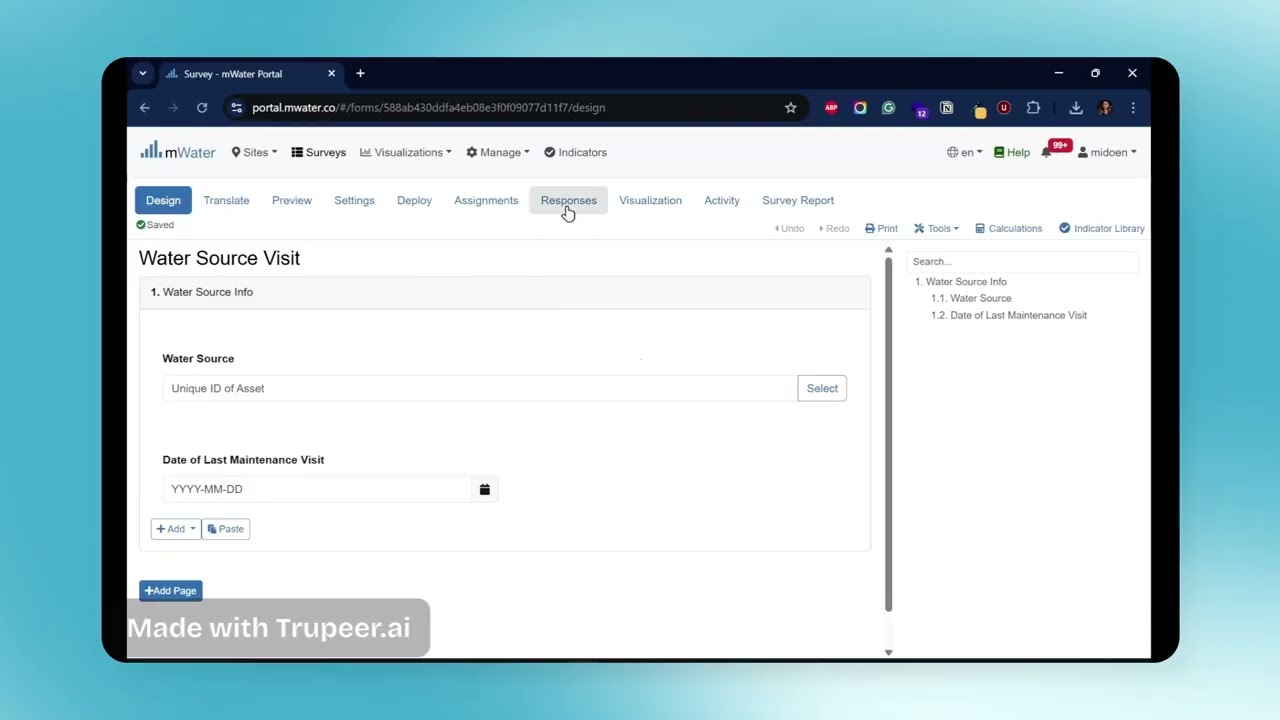
Master mWater Formulas Like a Pro
Building smarter mWater forms doesn’t have to be complicated.
These 15 handy formulas can save you hours, from automating logic to
calculating distances and tracking days between visits!
Save this for your next form-building day
Essential mWater Survey Formulas
1. If/Then – The foundation of all logic!
Example: If days since last maintenance greater than 90, then flag = “Needs
follow-up.”
2. Score – Turn choices into points.
Perfect for risk, readiness, or quality scoring.
3. Floor – Always round down.
Useful for cleaning up calculated values.
4. Ceiling – Always round up.
Handy when you want to avoid decimals in your reports.
5. Altitude Of – Get elevation in meters.
Understand elevation differences between sites.
6. Distance Between – Calculate distance (in meters) between two
locations.
Great for planning routes, measuring service coverage, or
identifying proximity.
7. Days Between – Number of days between two dates.
“Days between last inspection and repair.”
8. Days Since – How long ago something happened.
“Days since last water test.”
9. Concatenate – Combine multiple text fields.
Create unique IDs like “Region + District + Village.”
10. Not – The “no” operator.
Filter entries that don’t meet a condition (e.g., not functional).
11. Number of Values In – Count selected options in a multi-
select question.
Check how many issues a site has from a checklist.
12. Length of Line – Measure line distance in meters.
Useful for pipeline or route mapping.
13. Convert to Text – Change numbers or choices into readable
text.
Prepare clean labels for dashboards or exports.
14. Convert to Number – Change text values to numbers.
Useful for performing calculations on imported text fields.
15. Least Of – Find the smallest among several numbers.
Compare readings or values to find the lowest one.
Bonus (for Advanced Users)
1.Subquery – Pull related data from another table.
Think of it as a mini “lookup” for complex surveys.
2.Population Within – Estimate population around a location.
Perfect for coverage or vulnerability mapping.
Tip: Start small, try “If/Then” and “Days Between.” Once you see how
powerful they are, the rest will feel natural!
#mWater #DigitalData #FieldData #MonitoringAndEvaluation #WASH
#DataForGood #Innovation