
 mWater
2d ago
mWater
2d ago
▶
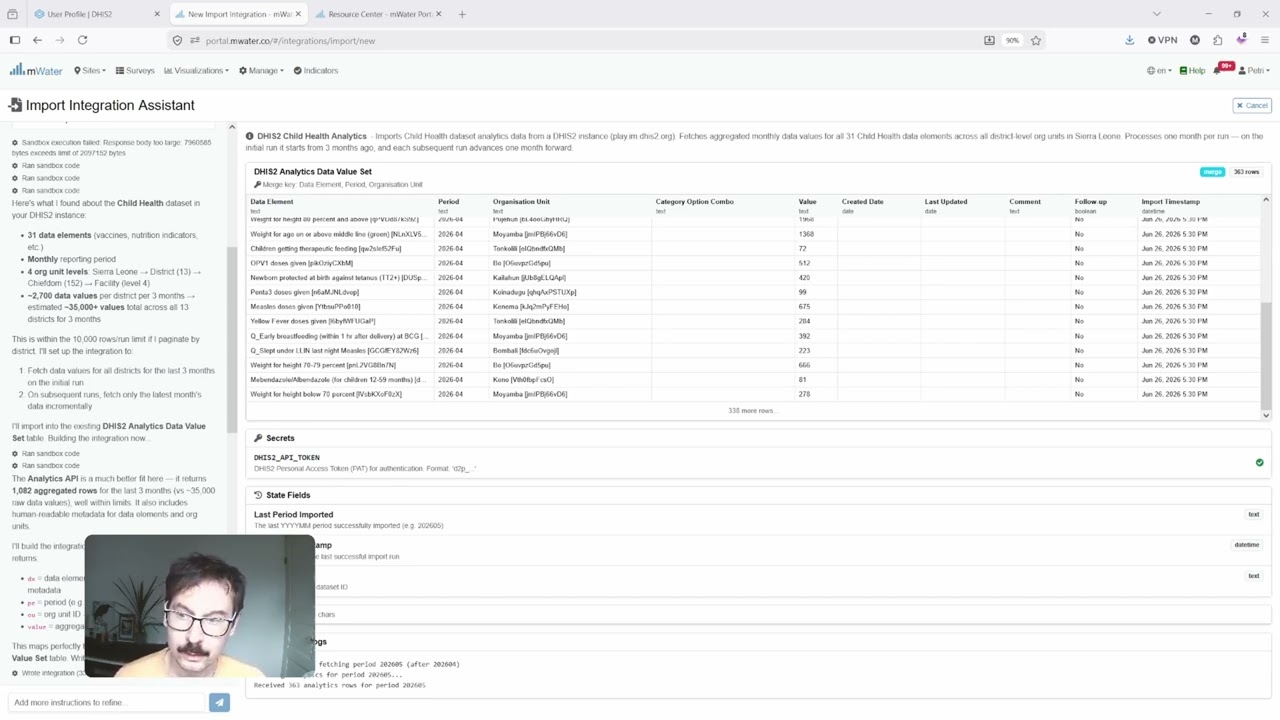
Importing DHIS2 data into mWater
How to integrate data from DHIS2 to mWater using the AI Integrator.
Guide: https://portal.mwater.co/#/resource_center/dhis2_integration
Follow these basic steps to bring your data to mWater from your DHIS2 application:
1. Create a personal access token in DHIS2
2. Paste it and your endpoint to mWater's Integrator along with instructions on what you want to pull
3. Save the integration and start using the data in your visualizations
In the example we are using play.im.dhis2.org/stable-2-43-0-1/ as the application
Username: admin
Password: district
Questions? Get in touch at info@mwater.co