
 mWater
12d ago
mWater
12d ago
▶
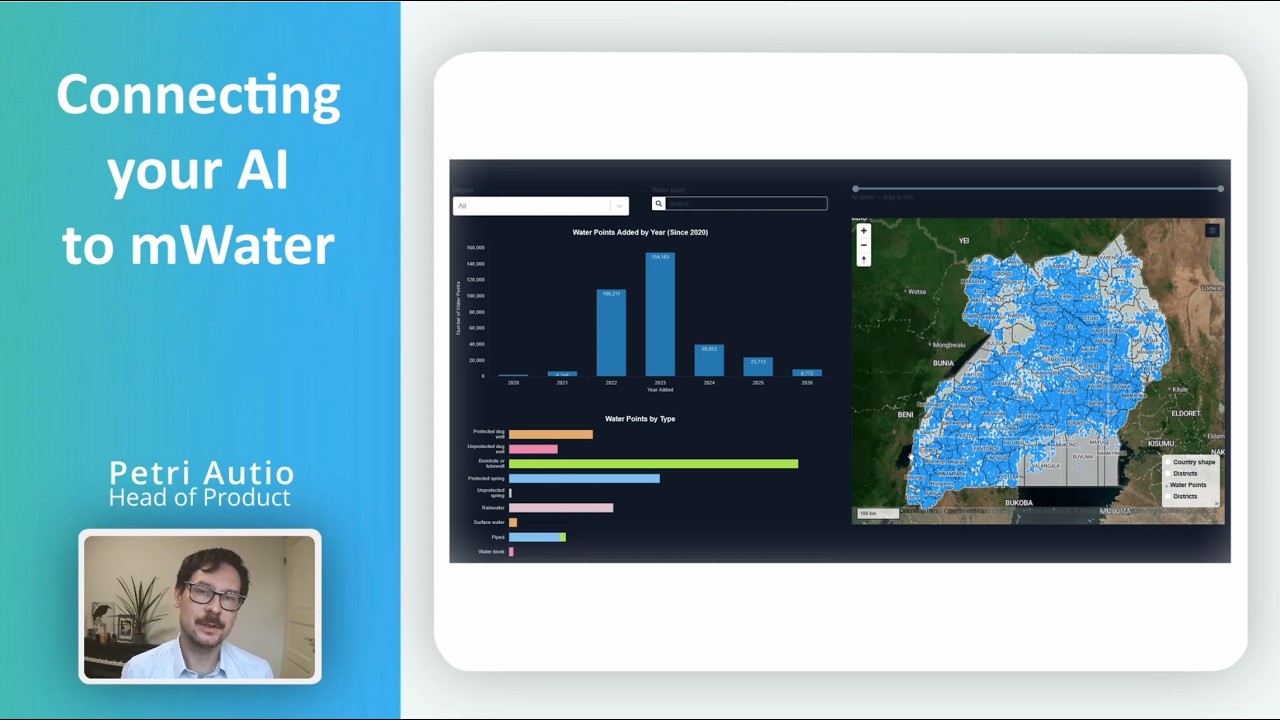
Connect your AI to mWater
Connect AI assistants like Claude, Cursor, and OpenAI Codex directly to your mWater and Solstice data using our new MCP server securely, with your permissions, and with all changes requiring your approval.
In this video we show how the Model Context Protocol (MCP) lets you ask questions, analyze your monitoring data, and draft changes in plain language, while you stay in control.
🔗 Get started: go.mwater.co/mcp
What you can do:
• Ask questions about your sites, forms, and records in natural language
• Analyze monitoring data without writing queries or exports
• Let the AI prepare changes as proposals you review and approve in the Portal
Built for trust:
• Permission-aware: the AI sees only the data your own account can see
• Read-only by default
• Human approval for every change
• Password-grade token security: generate or revoke access anytime
Set up in two minutes:
1. Open your mWater Account page and find "Connect with MCP"
2. Click "Generate MCP Link" and copy it (shown only once)
3. Paste it into your AI tool's connector settings (e.g. Claude Desktop → Settings → Connectors → Add custom connector)
Works with any tool that supports MCP remote connectors: Claude Desktop, Claude Code, OpenAI Codex, Cursor, and a growing list of others.
Note: Data retrieved through MCP is processed by your AI provider under their terms. Review your tool's data-use settings before connecting.
Questions or feedback? info@mwater.co
#mWater #Solstice #MCP #AI #ClaudeAI #WASH #WaterData #DataMonitoring