
 EUchemicals
195d ago
EUchemicals
195d ago
▶
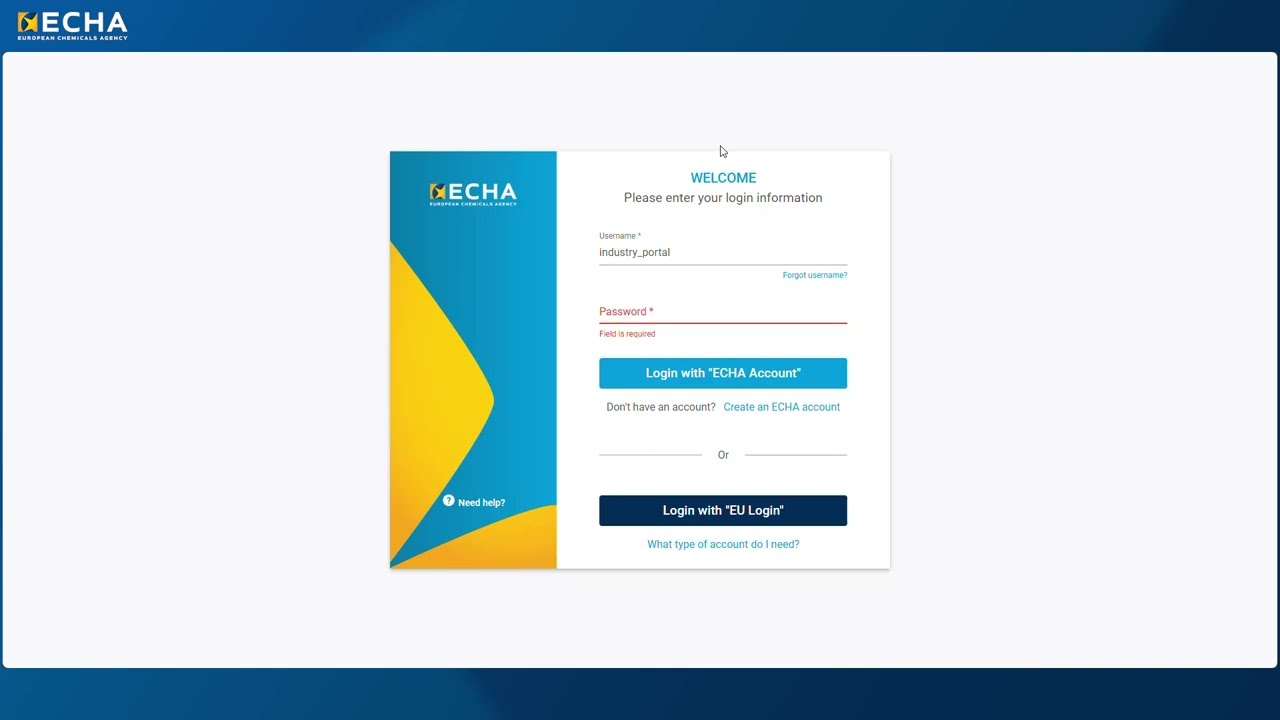
Navigating the ECHA Industry Portal: assets, submissions and support
This video provides a step-by-step tour of ECHA Industry Portal’s features, designed to streamline the notification of intention process for drinking water. Learn how to log in, navigate the home page, and use the intuitive interface to manage your assets and submissions.
Discover how to:
• View and update your regulatory assets
• Track the status of your submissions
• Upload dossiers and add contact or representative details
• Review and confirm your submissions
• Access technical support when needed
Whether you are preparing your first dossier or managing multiple assets, this guide will help you get started with the ECHA Industry Portal.
For further assistance, remember to use the technical support contact form available on the ECHA website: https://echa.europa.eu/contact/technical-support
More: LINK
**************
Subscribe to our channel: https://bit.ly/321VQgE
Subscribe to our Safer Chemicals Podcast: https://echa.europa.eu/podcasts
Subscribe to our news: https://echa.europa.eu/subscribe
Follow us on:
*LinkedIn: https://www.linkedin.com/company/european-chemicals-agency
*X: https://x.com/EU_ECHA
*BlueSky: https://bsky.app/profile/echa.europa.eu
*Facebook: https://www.facebook.com/EUECHA/
*Instagram: https://www.instagram.com/onehealth_eu/
Visit our website: https://echa.europa.eu/
Disclaimer: Subtitles are generated by YouTube automatically. The subtitles are made available “as is” without any additional check by ECHA or a third party as to their accuracy or linguistic correctness. ECHA does not guarantee that the subtitles correctly reflect what is being said in the video. The subtitles may be subject to inaccuracies or misrepresentation due to the inherent limitations of the algorithms used. ECHA accepts no liability in connection with the use of the subtitles. You agree to use the subtitles at your own risk and shall not hold ECHA responsible for damage you or any third party may suffer in connection to their use.